클라우드프로그래밍 9주차 — 쿠버네티스 Pod와 Deployment
쿠버네티스의 기본 단위 Pod와 이를 관리하는 Deployment를 다룬 9주차 기록. 파드 실행·조회·스케일·라벨, 그리고 디플로이먼트의 자가복구를 확인했다.
클라우드프로그래밍 9주차 — 쿠버네티스 Pod와 Deployment
9주차는 쿠버네티스의 가장 기본 단위인 파드(Pod) 와, 파드를 관리하는 컨트롤러 디플로이먼트(Deployment) 를 다룬다. 7주차에 구축한 클러스터(kind-kiamol)에서 kubectl 명령으로 진행했다.
핵심 개념
- Pod: 하나 이상의 컨테이너를 묶은 배포 최소 단위. 고유 IP를 가진다.
- Deployment: 파드를 몇 개(replica) 유지할지 선언하면, 컨트롤러가 원하는 상태(desired state) 를 지속적으로 유지한다(자가복구·스케일).
- Label & Selector: 디플로이먼트는 라벨 셀렉터(
app=...)로 자기 파드를 식별·관리한다. - 명령형(kubectl run/create) vs 선언형(YAML apply): 실무에서는 YAML 매니페스트로 형상을 관리한다.
파드와 디플로이먼트 다루기
파드 실행 & 조회
1
2
3
4
5
6
7
8
$ kubectl run hello-kiamol --image=kiamol/ch02-hello-kiamol
pod/hello-kiamol created
$ kubectl wait --for=condition=Ready pod hello-kiamol
pod/hello-kiamol condition met

$ kubectl get pods -o wide
NAME           READY   STATUS    RESTARTS   AGE   IP           NODE
hello-kiamol   1/1     Running   0          5s    10.244.0.5   kiamol-control-plane
파드 정보 (custom-columns / JSONPath)
1
2
3
4
5
6
$ kubectl get pod hello-kiamol -o custom-columns=NAME:metadata.name,NODE_IP:status.hostIP,POD_IP:status.podIP
NAME           NODE_IP      POD_IP
hello-kiamol   172.18.0.2   10.244.0.5

$ kubectl get pod hello-kiamol -o jsonpath='{.status.containerStatuses[0].containerID}'
containerd://d33186cc3f1901b457021bd5b885965c5b0c7e932ab8189ca0d3802f3d4adabd
포트포워딩으로 파드 접속
1
2
3
4
$ kubectl port-forward pod/hello-kiamol 8090:80 &
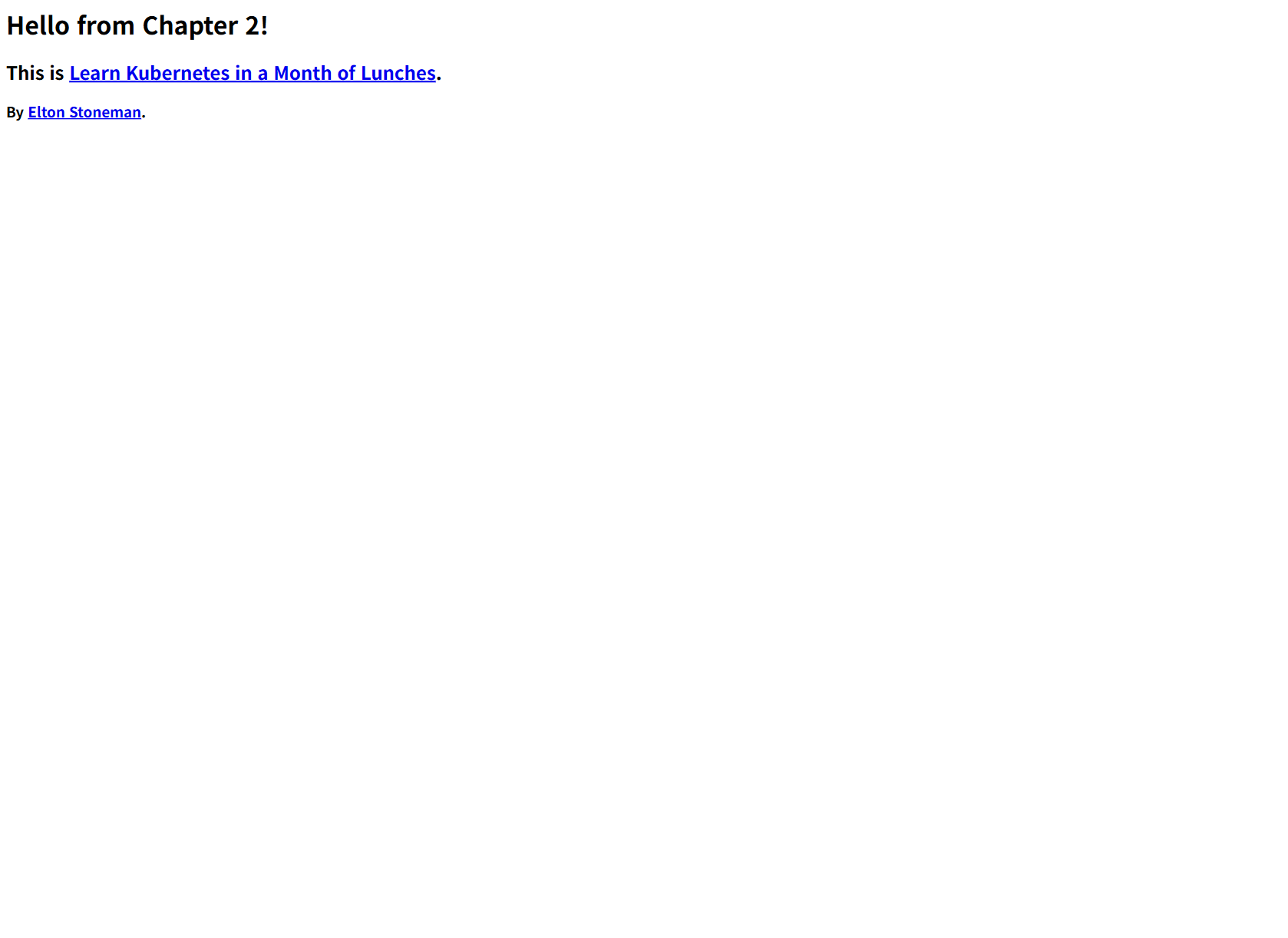
$ curl -s http://localhost:8090 | head
<html><body><h1>Hello from Chapter 2!</h1>
  <h2>This is Learn Kubernetes in a Month of Lunches.</h2>
디플로이먼트 생성 → 스케일 → 라벨
1
2
3
4
5
6
7
8
9
10
11
12
13
14
15
$ kubectl create deployment hello-kiamol-2 --image=kiamol/ch02-hello-kiamol
deployment.apps/hello-kiamol-2 created
$ kubectl get pods -l app=hello-kiamol-2
NAME                              READY   STATUS    AGE
hello-kiamol-2-858c8cf4c5-82ntf   1/1     Running   2s

$ kubectl scale deploy/hello-kiamol-2 --replicas=3
deployment.apps/hello-kiamol-2 scaled
$ kubectl get pods -l app=hello-kiamol-2
hello-kiamol-2-858c8cf4c5-82ntf   Running
hello-kiamol-2-858c8cf4c5-g5bvk   Running
hello-kiamol-2-858c8cf4c5-n725p   Running

$ kubectl get pods -l app=hello-kiamol-2 -o custom-columns=NAME:metadata.name,LABELS:metadata.labels
hello-kiamol-2-858c8cf4c5-82ntf   map[app:hello-kiamol-2 pod-template-hash:858c8cf4c5]
선언형 YAML 매니페스트
파드를 선언적으로 정의한 매니페스트(pod.yaml, hello-kiamol-3)를 적용했다.
1
2
$ kubectl apply -f pod.yaml
pod/hello-kiamol-3 created
자가복구(self-healing)
디플로이먼트의 파드 하나를 강제로 삭제해도, 컨트롤러가 replica 수(3)를 유지 하기 위해 새 파드를 즉시 생성한다.
1
2
3
4
5
6
7
$ kubectl delete pod hello-kiamol-2-858c8cf4c5-82ntf
pod "...82ntf" deleted

$ kubectl get pods -l app=hello-kiamol-2     # 여전히 3개, 새 파드 qd7qz 생성됨
hello-kiamol-2-858c8cf4c5-g5bvk   Running   28s
hello-kiamol-2-858c8cf4c5-n725p   Running   28s
hello-kiamol-2-858c8cf4c5-qd7qz   Running   7s   ← 자동 재생성(AGE 7s)
정리
1
2
3
4
$ kubectl delete pods --all && kubectl delete deploy --all
$ kubectl get all
NAME                 TYPE        CLUSTER-IP   PORT(S)   AGE
service/kubernetes   ClusterIP   10.96.0.1    443/TCP   3m43s   # 기본 서비스만 남음
정리
파드를 삭제하면 7초 만에 새 파드가 생성되는데, 이는 “선언적 상태 관리 = 자가복구”를 보여주는 동작이다. Docker에서는 컨테이너가 종료되면 끝이지만, 쿠버네티스는 컨트롤러가 원하는 상태를 지속적으로 맞춘다. kubectl run(명령형)과 apply -f(선언형)의 차이, 그리고 라벨 셀렉터(app=hello-kiamol-2)가 디플로이먼트↔파드 연결의 핵심 메커니즘이라는 점을 확인했다.
This post is licensed under CC BY 4.0 by the author.